
Finally see where your money goes
Sarfo is a personal ledger that records an expense in seconds and keeps your budget in plain sight. No sign-up, no connection required, no ads.
Usable the moment it opens — no account, no card details.
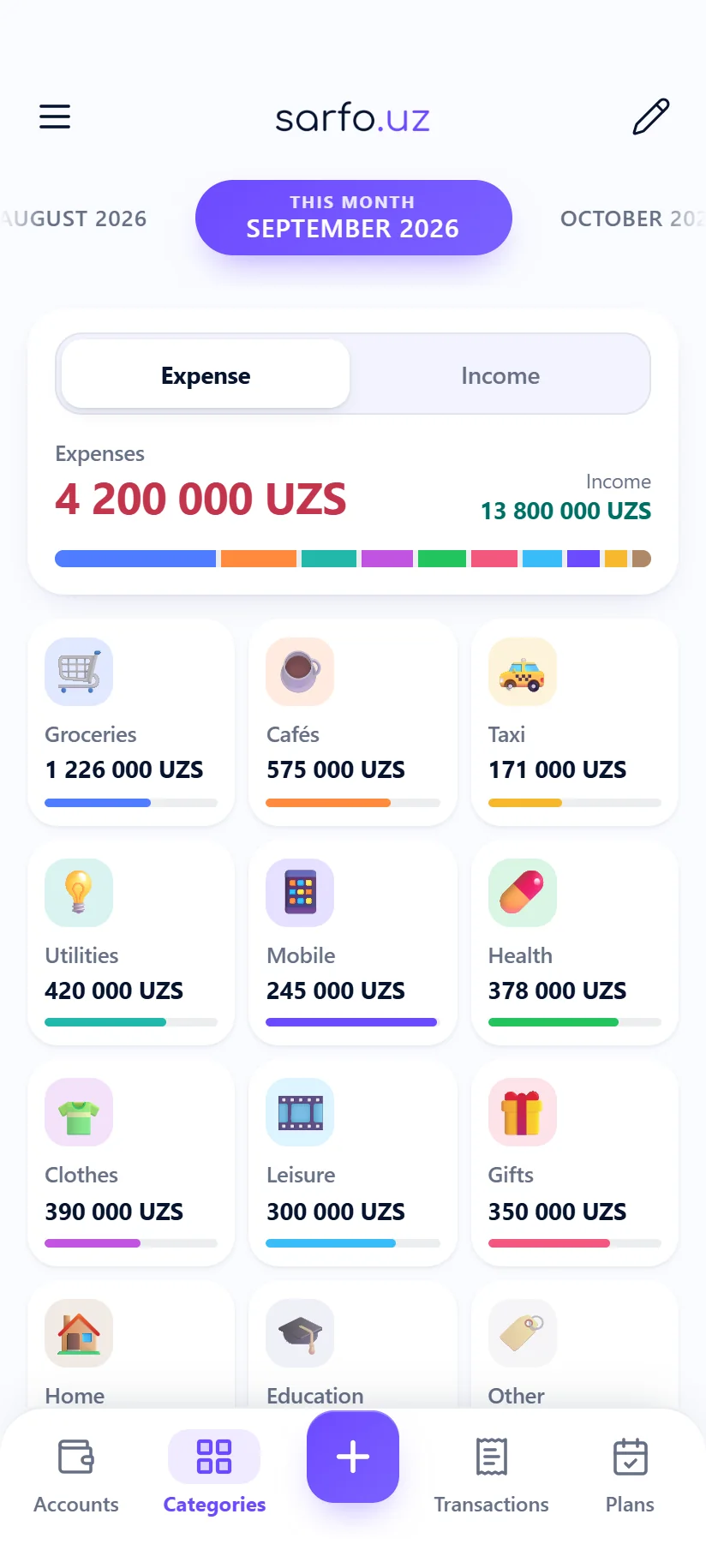
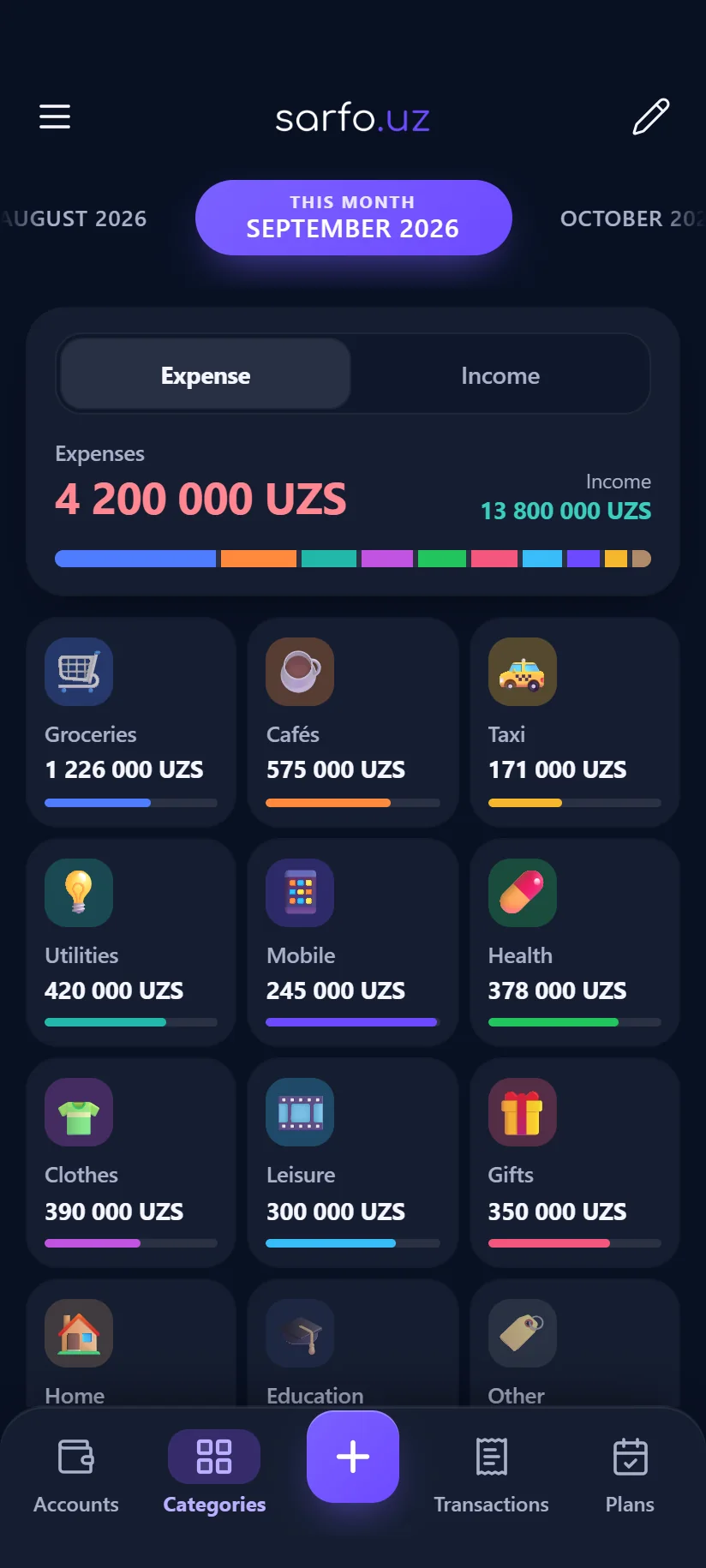
Not a mock-up — the real screens
One fully used month, every screen taken straight from the app.
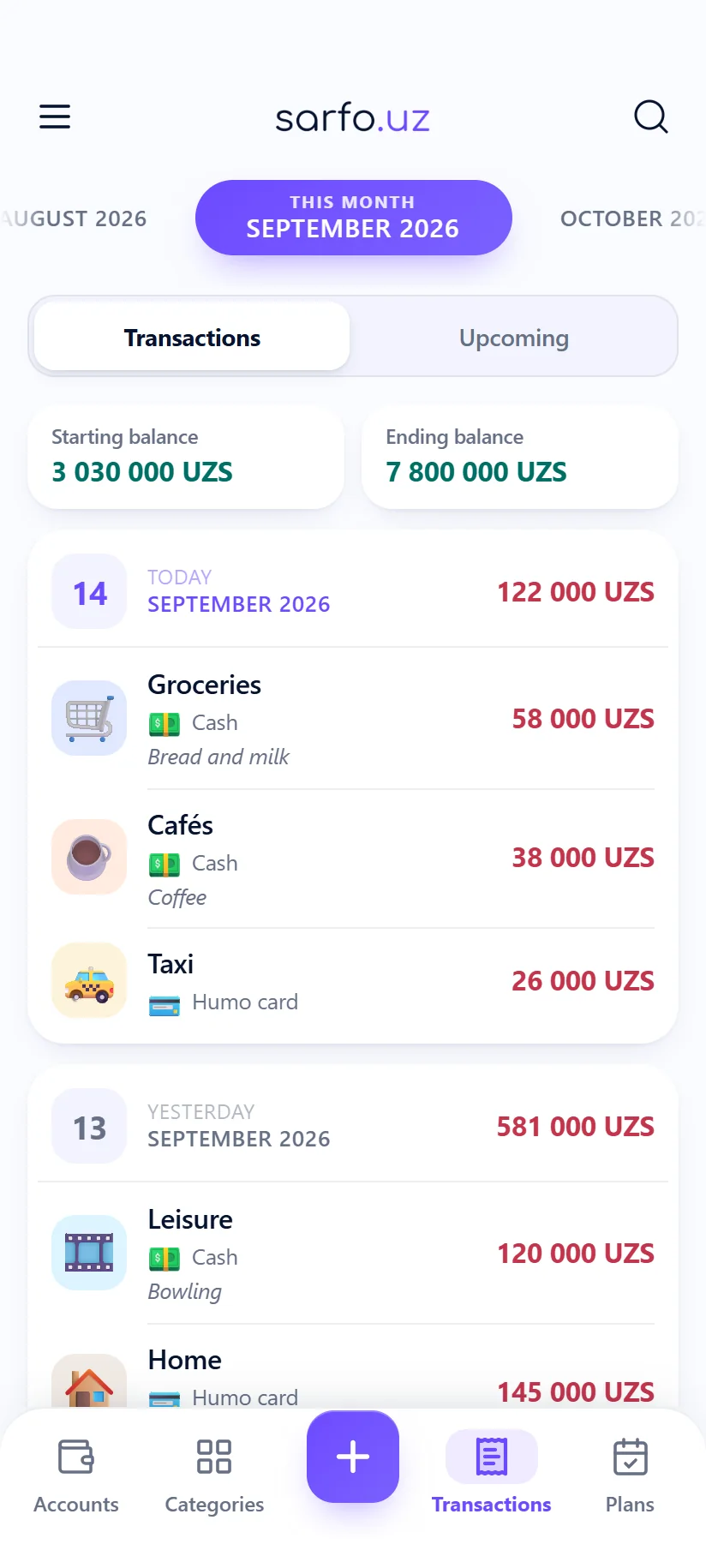
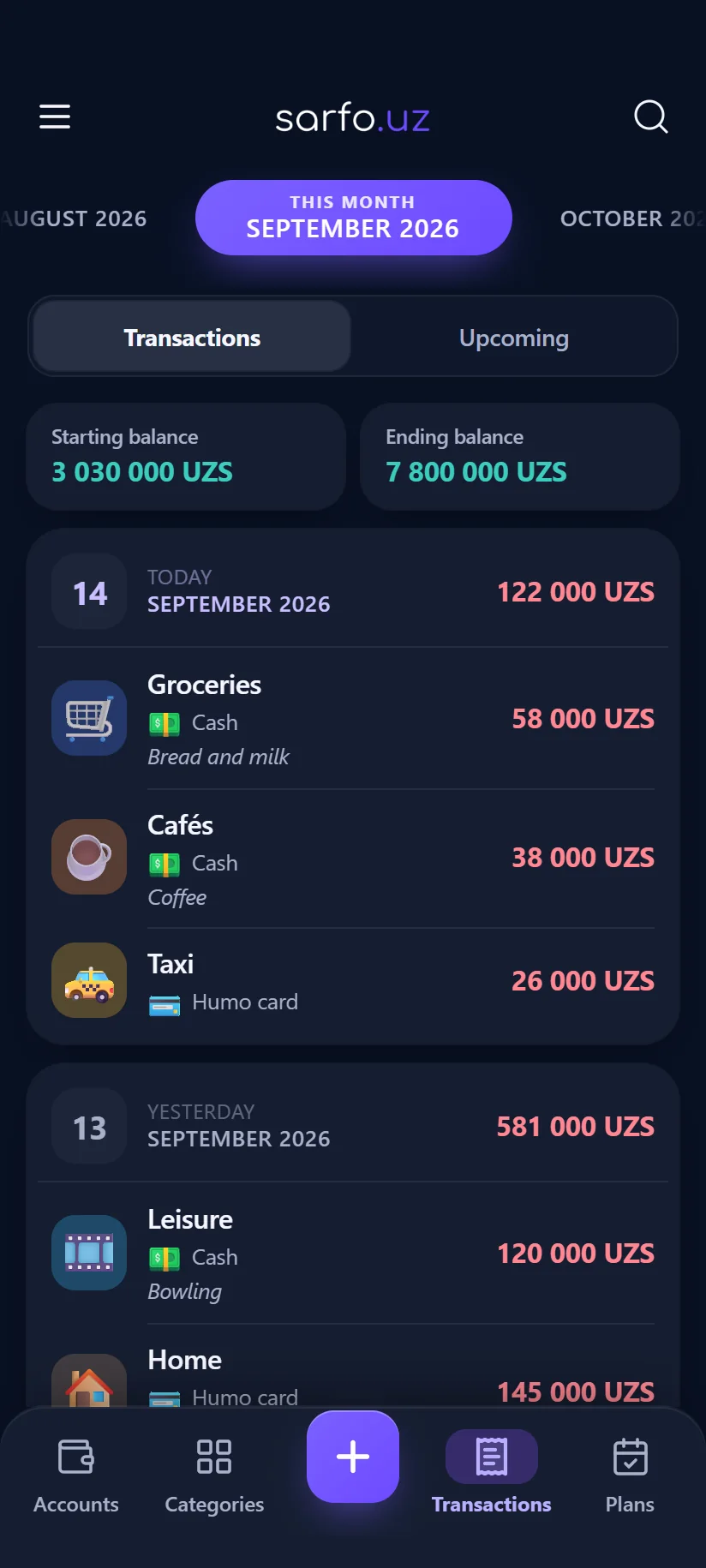
Transactions
Grouped by day, with the balance at the start and end of the month.
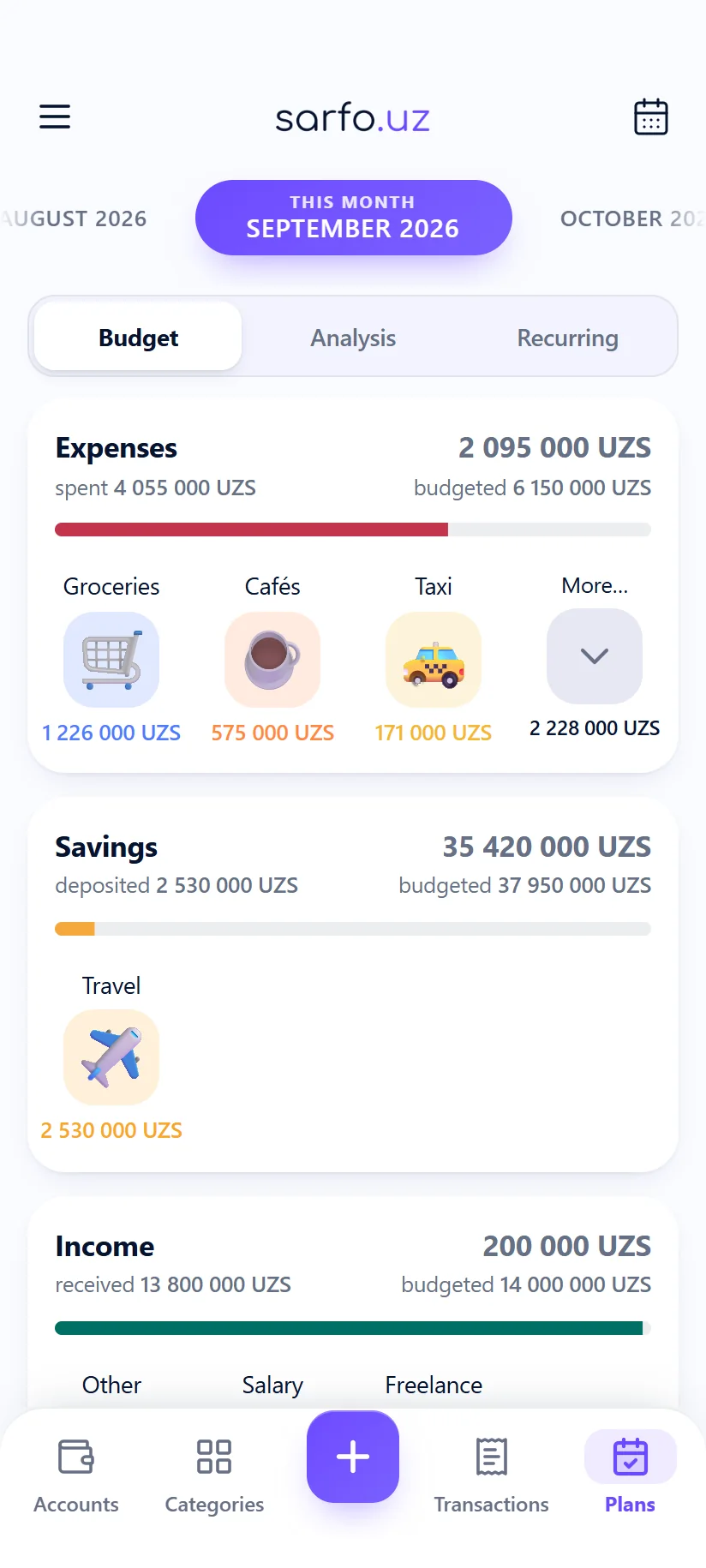
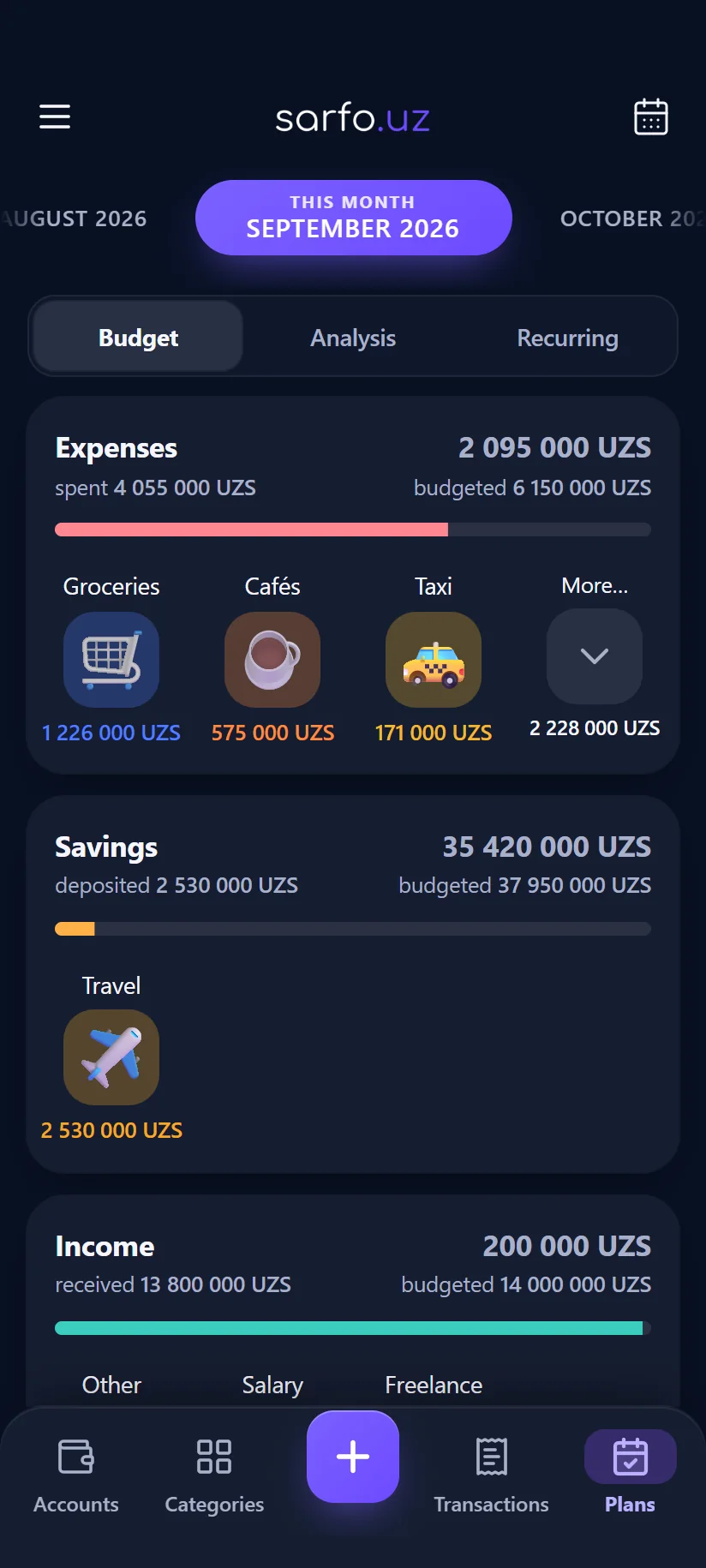
Budget
Planned against spent, per category, at a glance.
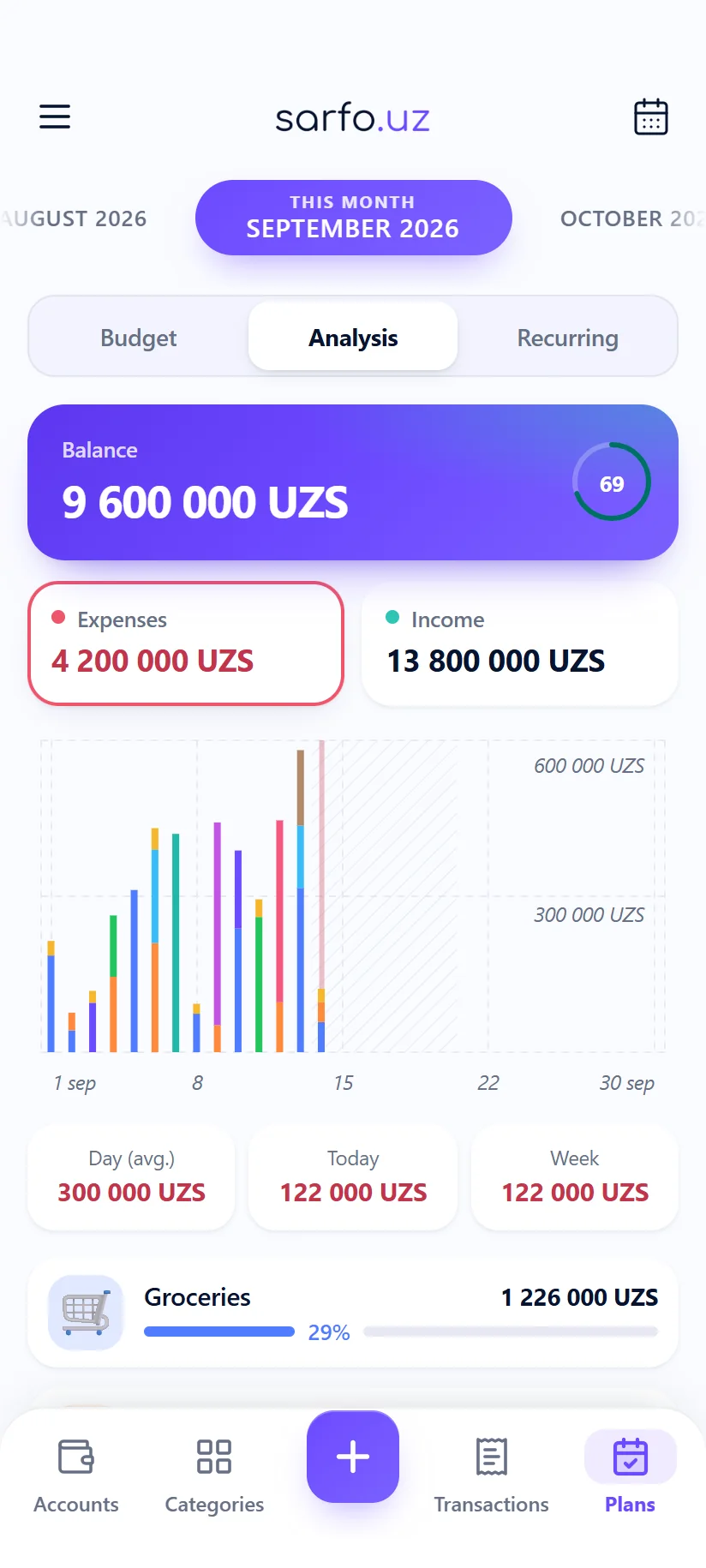
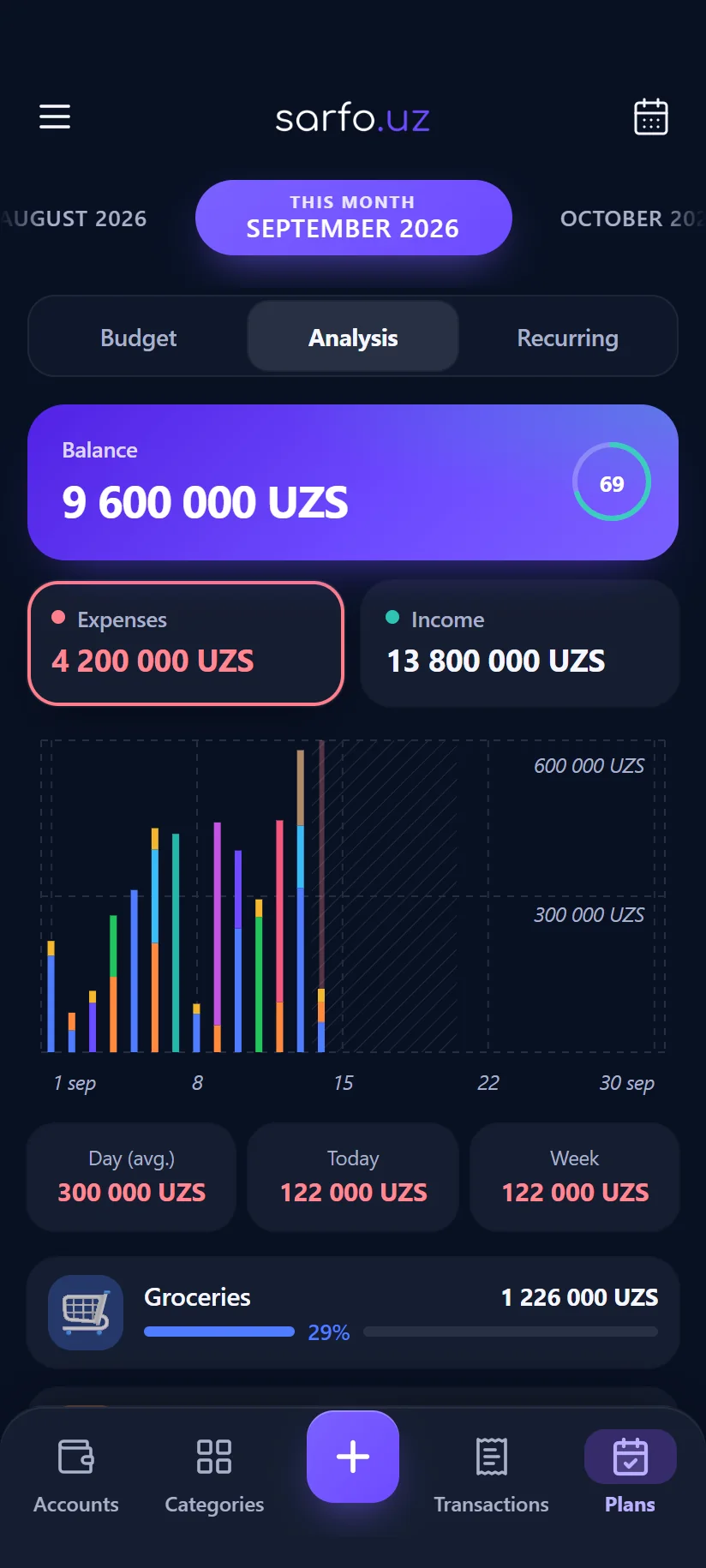
Reports
A day-by-day chart and the categories that took the most.
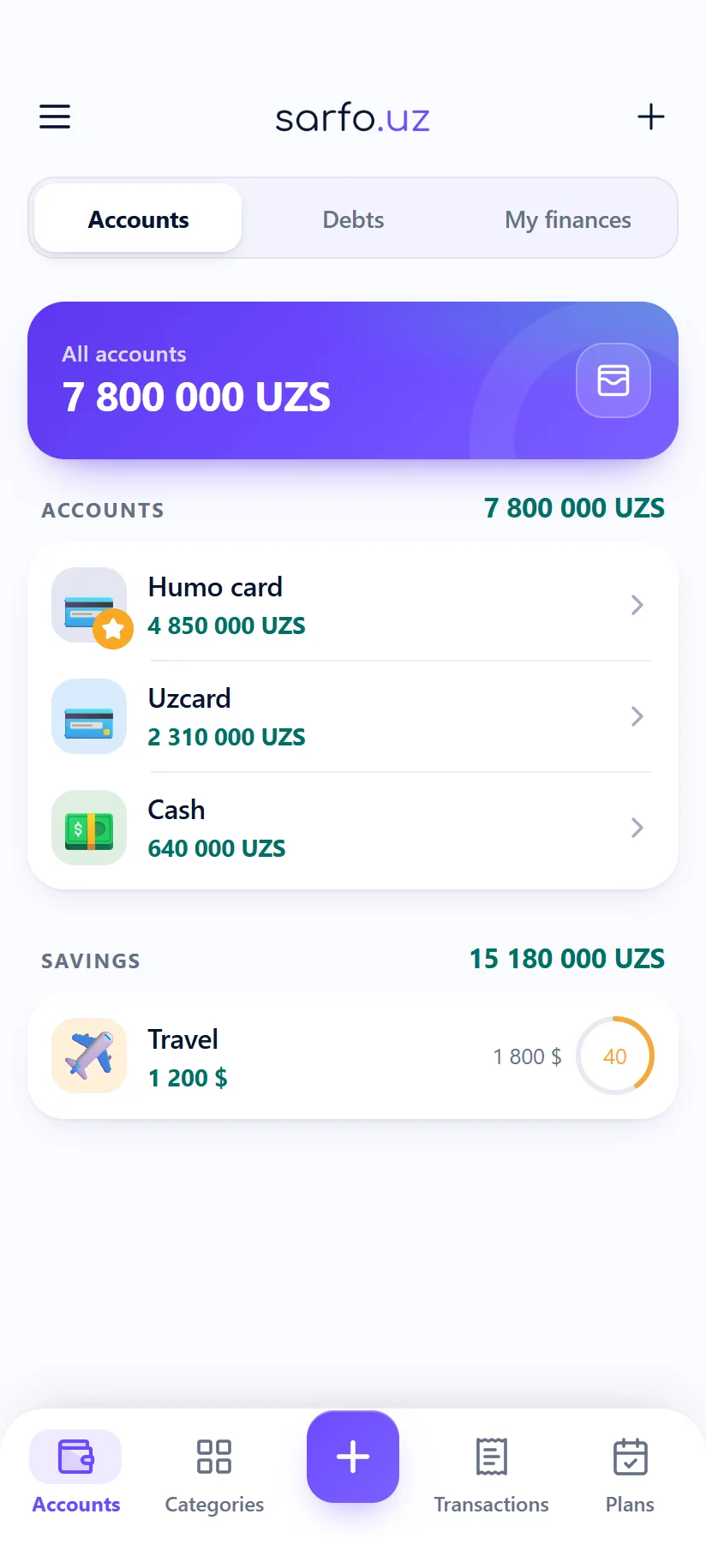
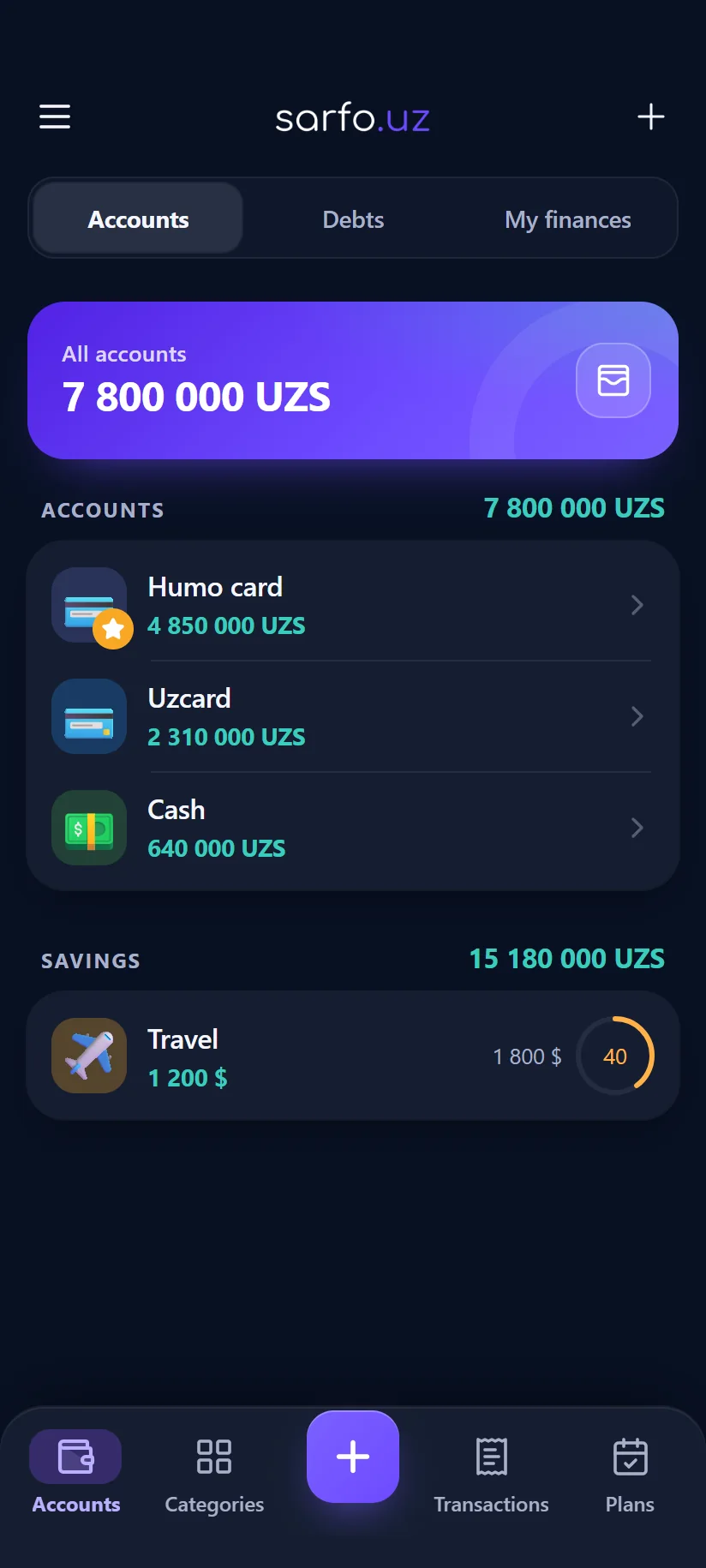
Accounts
Cards, cash and savings — each in its own currency.
Everything day-to-day tracking asks for
Accounts, categories, budgets and reports in one app, on your phone and in the browser. Quick to record, exact to add up, and fine without a connection.
Accounts and balances
Cash, cards, debts and savings — each in its own currency. Balances are replayed from the ledger, so they cannot drift.
Categories
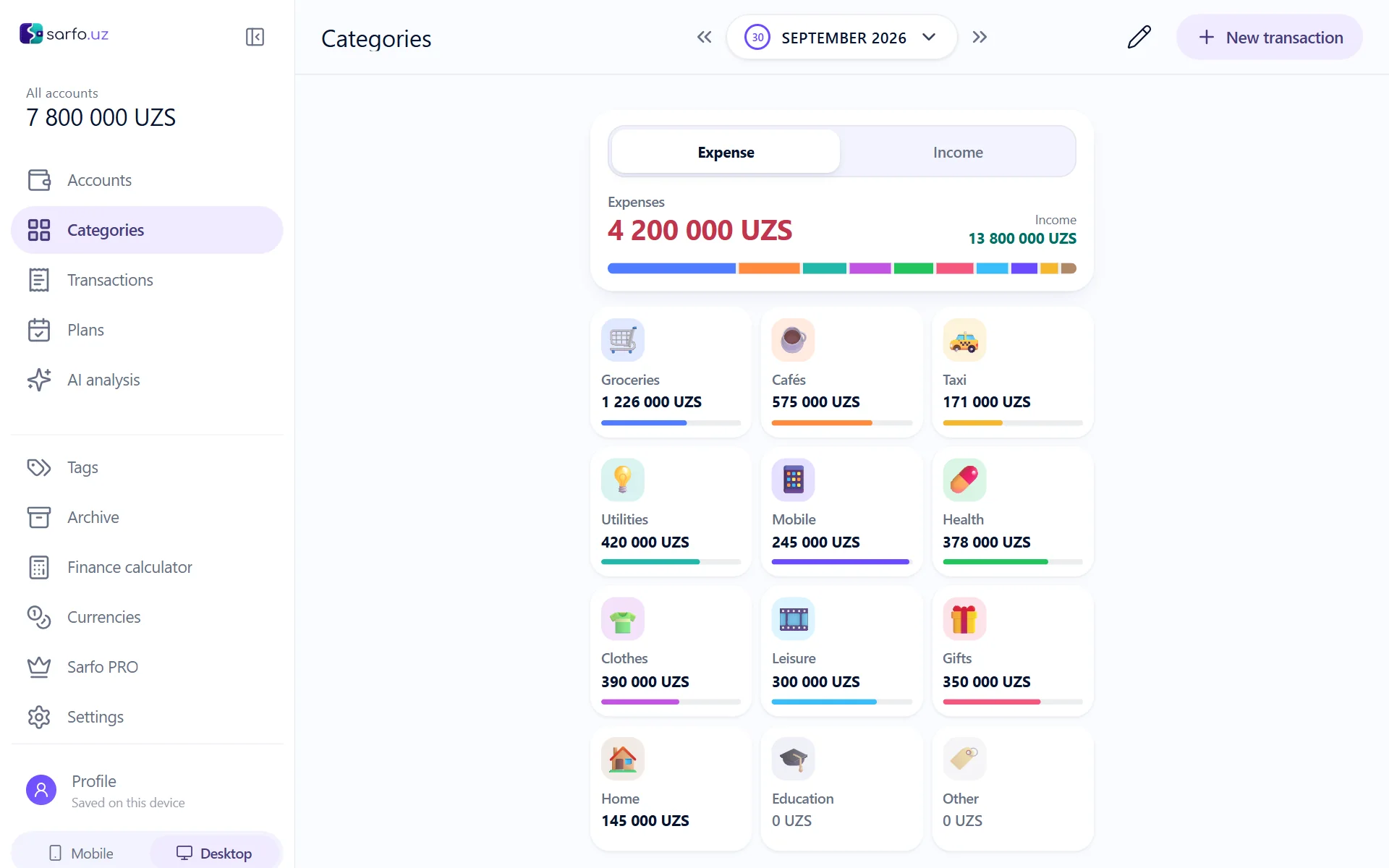
Over 1,500 icons and colours of your own. The tiles on the home screen exist so an expense takes one tap.
Transactions
Expense, income and transfer in a single editor. Note, tags, date and a calculator are all right there.
Budgets
Set a limit per category. How much is left and whether you are on pace is visible at a glance.
Multi-currency
Every account lives in its own currency, while the total is converted to your base currency at the current rate.
Reports
Charts per period: where the money went, which category grew, how this month compares to the last.
Scheduled payments
Rent, subscriptions, loan instalments — recurring payments show up on schedule instead of in your memory.
Tags and archive
Tag the spending for a trip or a project. An account you no longer use is archived rather than deleted.
PWA — like a real app
Add it to your home screen: full screen, starts with no connection, and the browser stops being noticeable.
Getting started takes no sign-up
Open the link and you are already using it.
- 1
Open it
Launch the web version or add it to your home screen. Nothing to download, nowhere to register.
- 2
Add your accounts
Cash, card, savings — or restore your backup file and everything lands where it belongs.
- 3
Keep recording
Tap a category, type the amount — done. The app works out the rest.
What the simple surface is standing on
This is not a pretty shell. What follows are real, tested parts of the app.
One file holds your whole ledger
A backup carries accounts, categories, budgets, tags and every transaction. Load it on any device and everything is back where it was. CSV imports and exports too.
- Verified against a real file: 1398 transactions, 18 accounts, 32 categories, 19 budgets
- Every balance and limit is identical after an export→import round trip
- The file is read inside the browser — it is never uploaded anywhere
Sarfo_BACKUP
SQLite · 3.4 MB
1398
tx
18
acc
32
cat
Several devices — optionally, with an account
An account is not required. Sign in and the web, Android, iOS, macOS, Windows and Linux apps agree with each other through the server; stay signed out and the app works exactly as before, with no network at all.
- Only changed rows travel, never the whole database
- A deletion is a record too: a row deleted on the phone does not come back from the laptop
- Signing out leaves the data on the device untouched
Balances are replayed, not guessed
Every change obeys one rule, and that same rule can be applied in reverse. Which is why adding, editing and deleting can never contradict each other.
- The whole ledger is replayed from the opening balance
- Amounts in different currencies are never added together directly
- On a transfer the destination account receives in its own currency
Built for a phone — with a layout of its own on a desktop
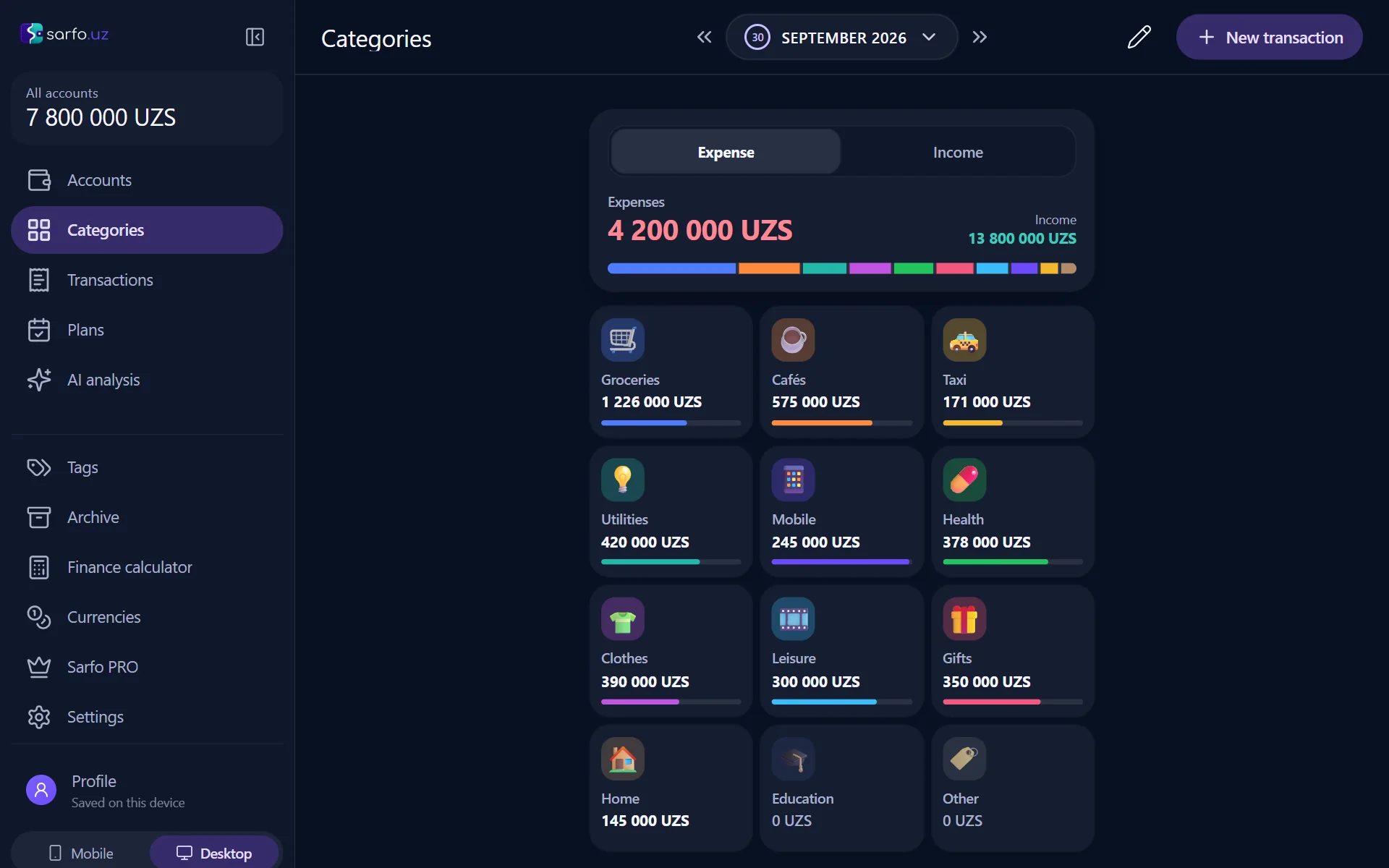
Large targets, bottom navigation, one-handed use. On a wide screen the app switches to a desktop layout by itself: navigation moves into a sidebar and “New transaction” sits at the top of every screen. Prefer the phone layout? Keep it.
- Light, dark, and a true black theme for OLED screens
- A dedicated numeric keypad for entering amounts
- Date format, currency and first day of the week are all configurable
Your data stays yours
Financial records are about as personal as data gets. So by default they never leave the device at all.
All in the browser
Records live in IndexedDB on your device. Until you create an account, the server holds not a single row of yours.
Passcode
An optional PIN keeps the app closed to anyone else. It is never sent to a server — it stays on this device.
No tracking
No analytics, no advertising identifiers, no third-party scripts. Exactly one request leaves the page: the exchange rate.
Strict by default
CSP, HSTS, framing refused and no referrer sent — all switched on without anyone configuring anything.
On your phone and on your desktop
The same data, on whichever screen suits you.
Web and PWA
Opens right now. Add it to your home screen and it is indistinguishable from an installed app — offline included.
Android
The Google Play build is on the way. Until then, add the web version to your home screen.
iOS
The App Store build is on the way. In Safari, “Add to Home Screen” already works today.
Frequently asked questions
Short answers, no hedging.
Inside your browser, on your device. Without an account it never leaves the device — there is nothing on a server.
No. No payment, no subscription, no ads, and nothing to buy inside.
Fully. After the first visit the app starts with no connection and your records are still there. The network is only needed for exchange rates and sync.
Yes. Menu → Data makes a backup in one tap, and you can load it on any device. CSV is supported as well.
Yes. Sign in and changes reconcile between devices automatically. The account is optional — everything works without one.
No. Open the link and start; an account is only needed to connect more than one device.
Your records go with the site data. So take a backup under Menu → Data from time to time, or sign in to an account.
You pick the base currency, and each account is kept in its own. Rates for the total are fetched automatically.
Start seeing every coin today
It takes a minute: open it, add an account, record the first expense.
No sign-up · Free · Ad-free